Dogs, cats, and every other pet
Pet photo background remover
Remove backgrounds from pet photos, then check the fur, whiskers, and ears in the preview. Put your dog or cat on a new backdrop, or turn the cutout into a card or sticker.
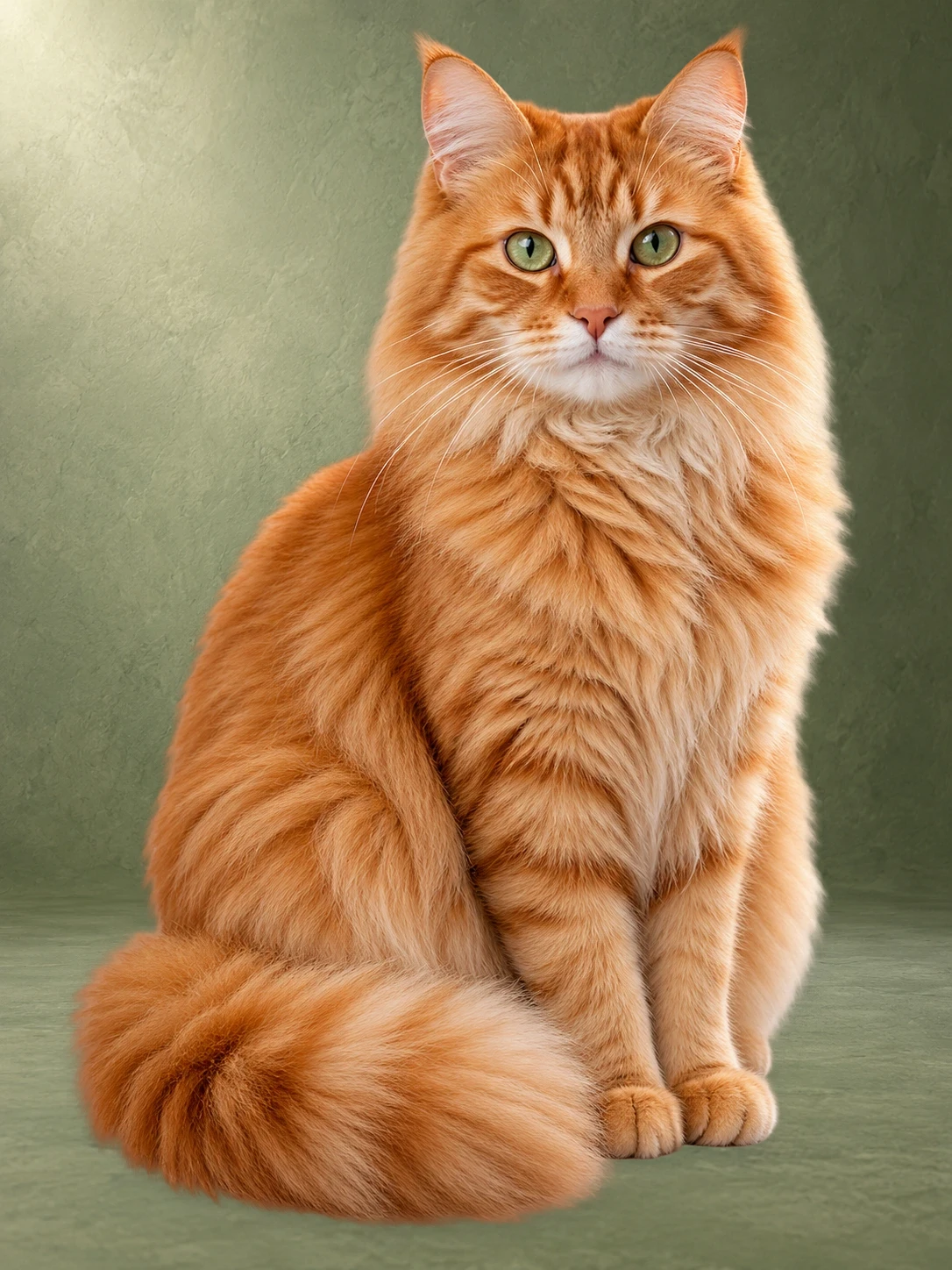
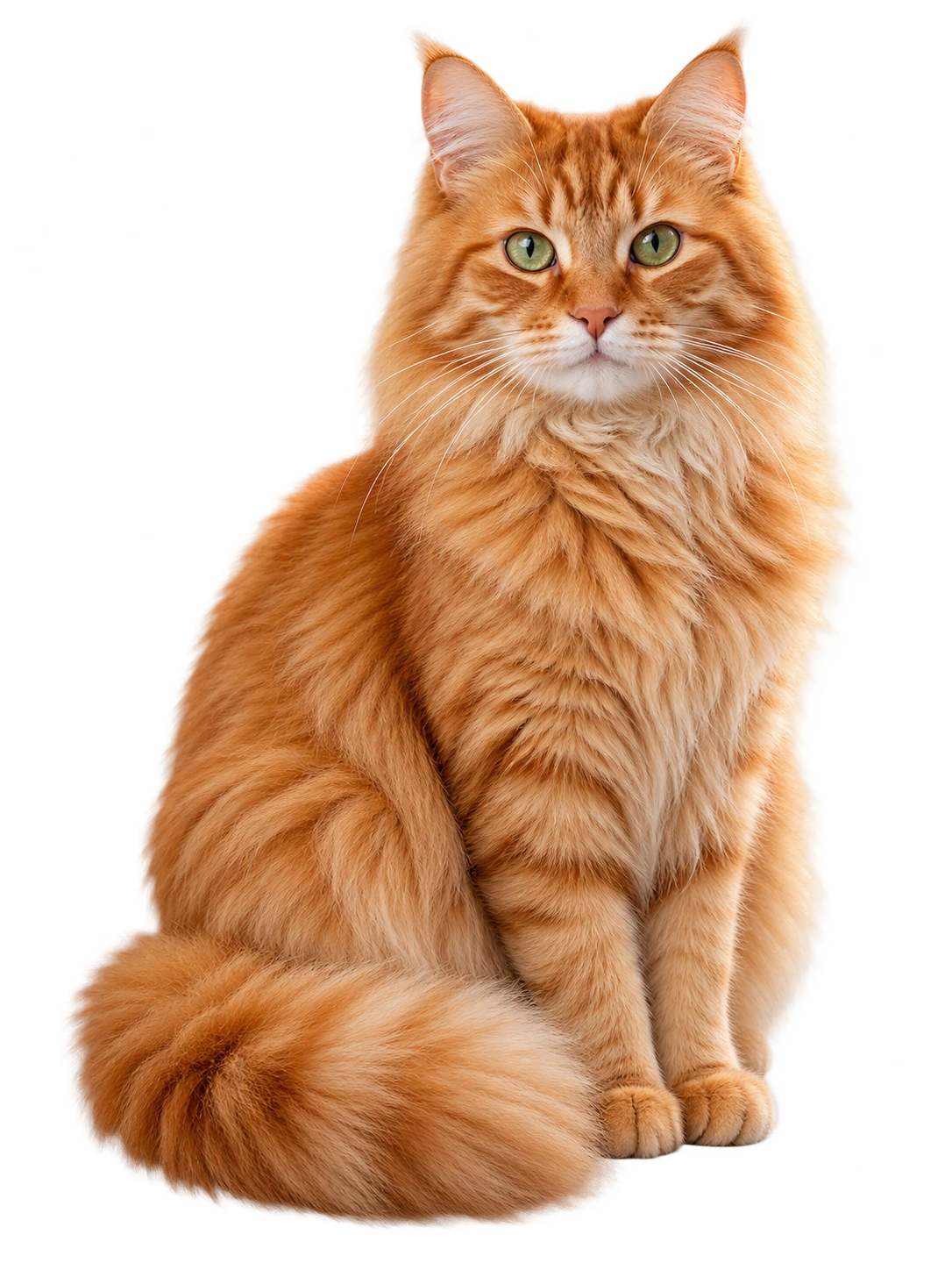
Pet portraits without the messy background
Pets rarely pose in front of a tidy wall. The pet photo background remover separates your dog, cat, or rabbit from the living room or park. Check the soft fur around the outline, then place the cutout on a bright color, a seasonal scene, or a greeting card template to share.
The same tool works for horses, birds, reptiles, and wildlife, as long as the animal is clearly visible. Bright photos with a little contrast between fur and background give the softest edges, and a quick check of the preview catches anything to fix before you print or post the picture.
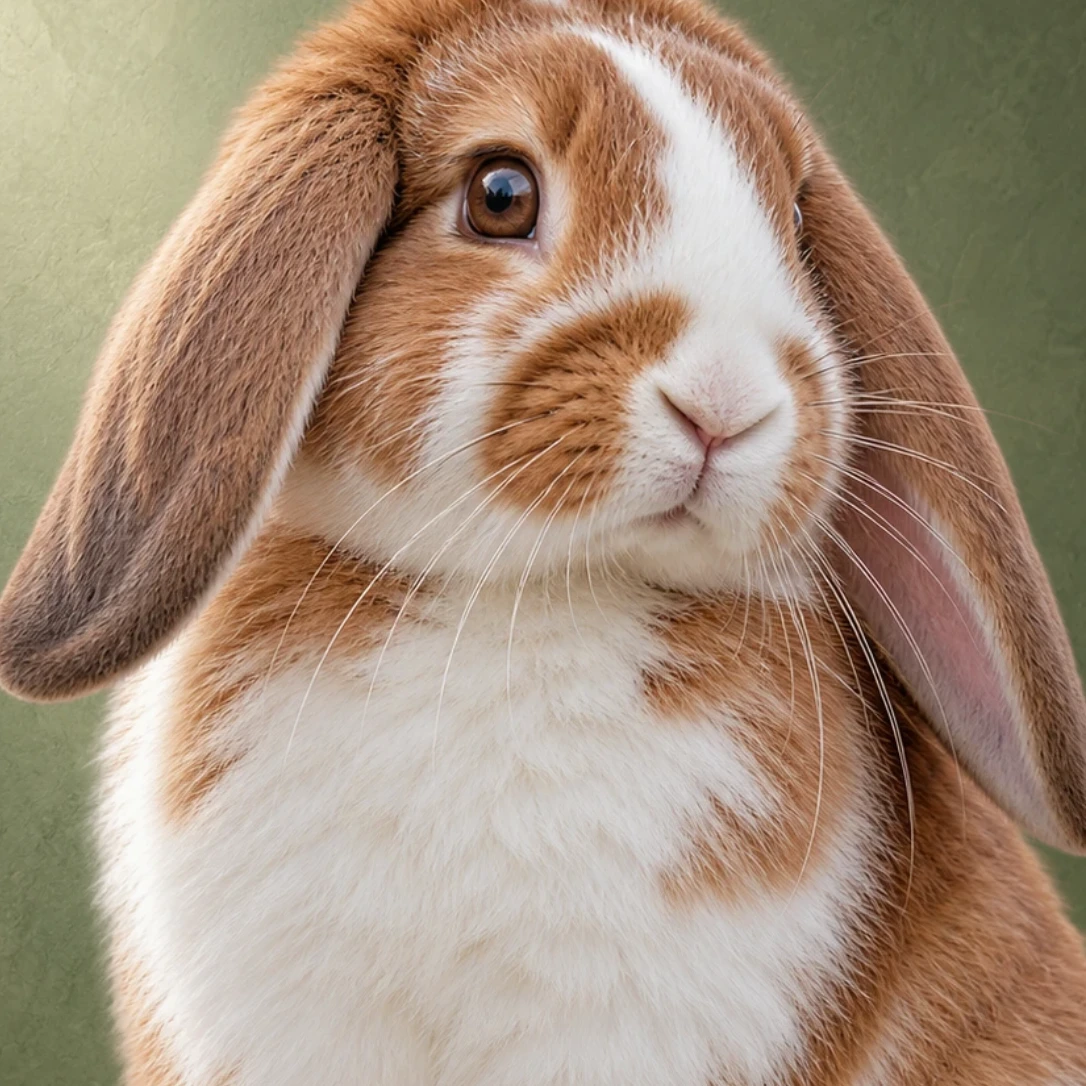
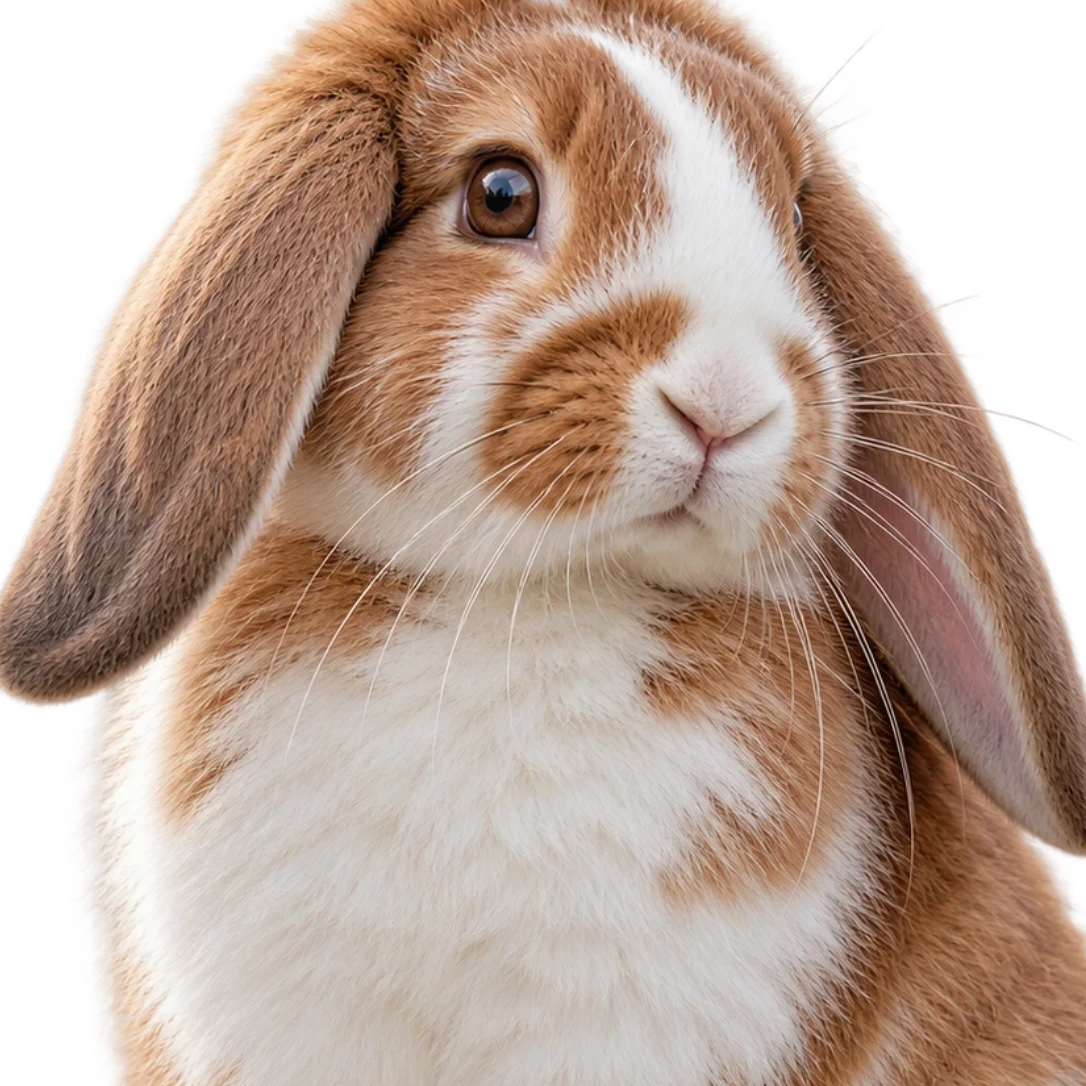
Soft fur, clean edges
The background remover traces fur, whiskers, and ears so your pet keeps its natural outline. Zoom in, refine any tuft with the brush, and export a transparent PNG.
Refine your cutout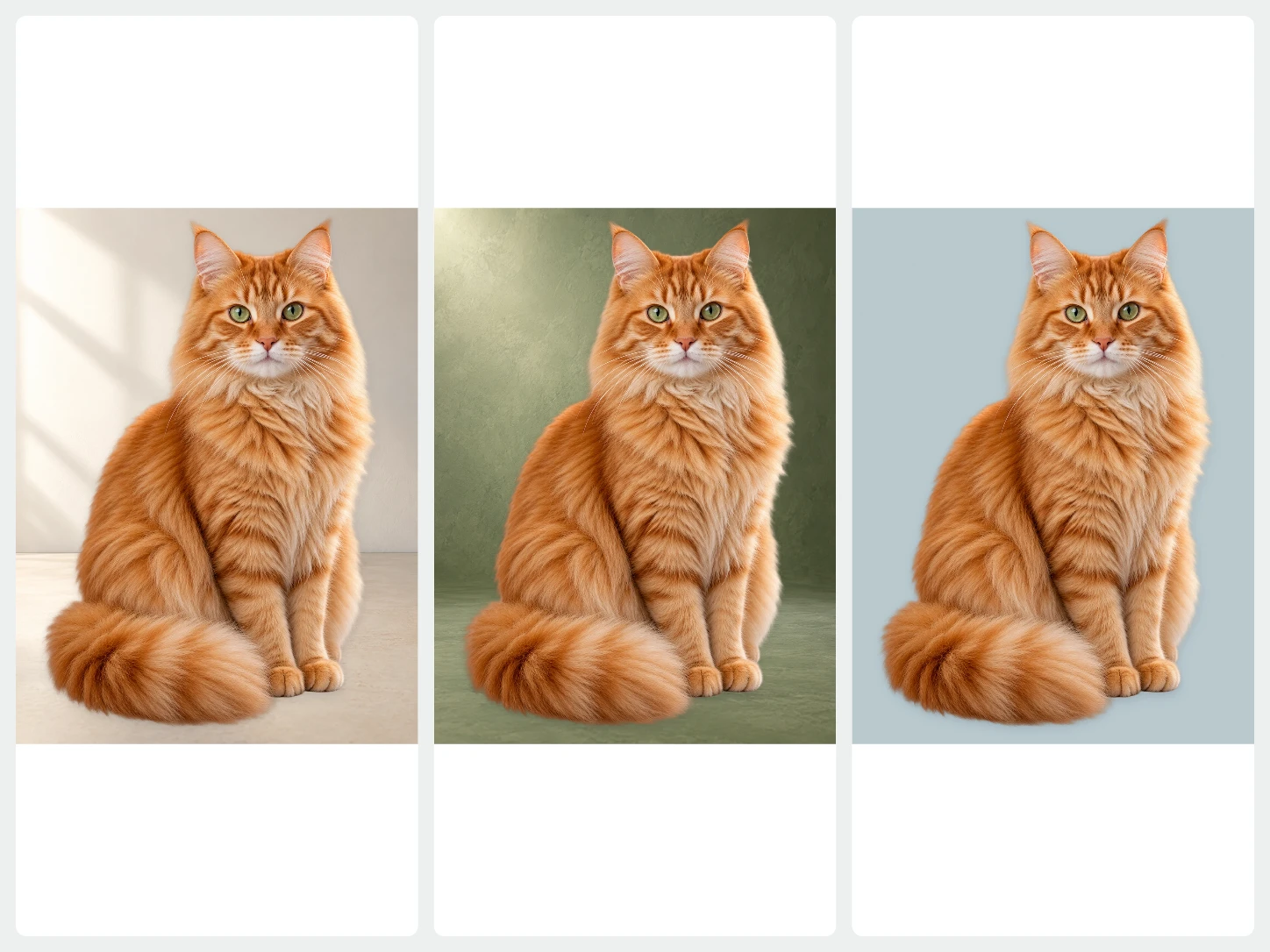
A new place for your pet
Choose a photo backdrop, a bright color, or a seasonal scene. Move and resize your pet until the composition looks right, then download the finished portrait.
Change the background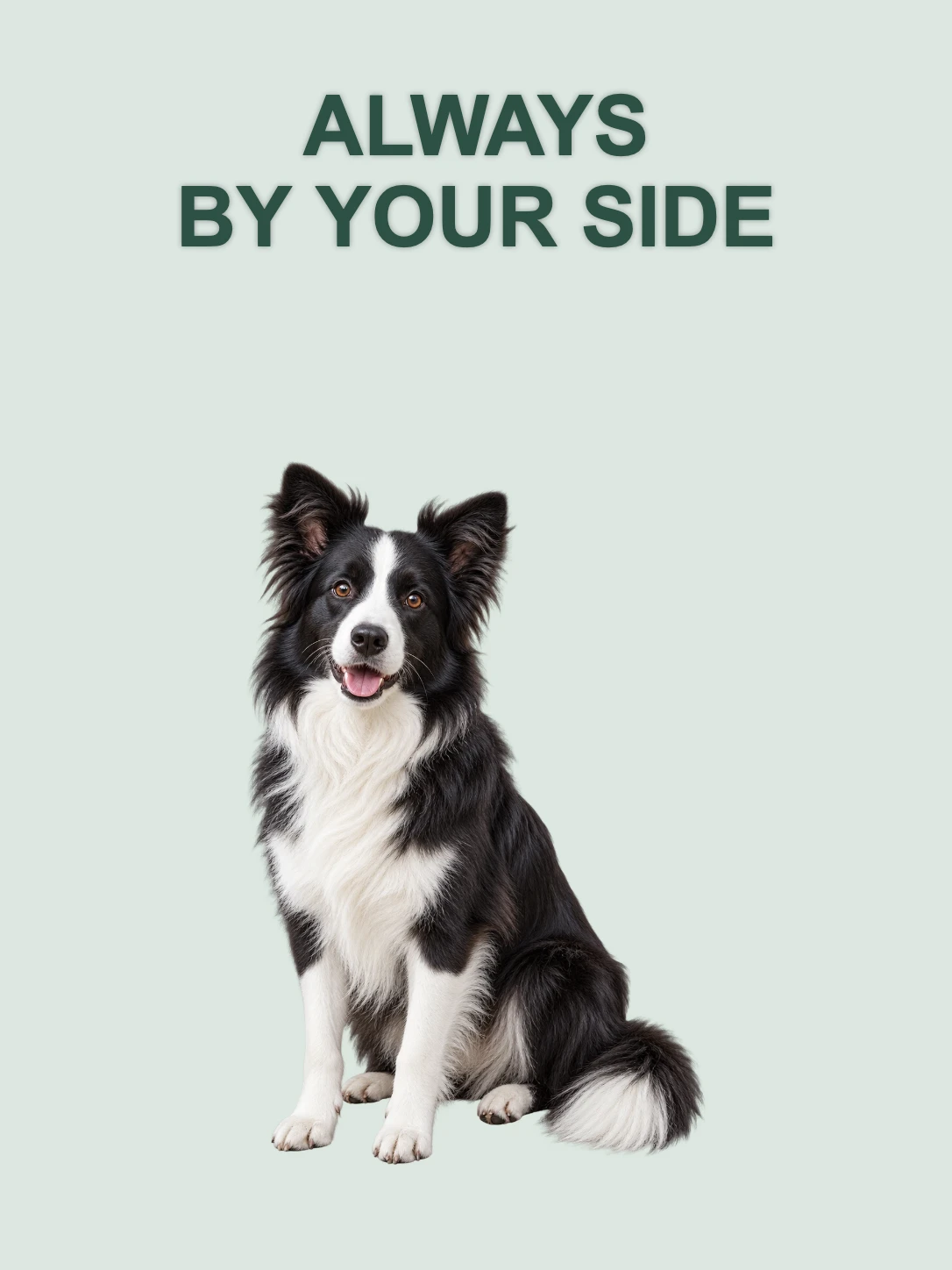
Cards, stickers, and posts
Add text and a template to turn the cutout into a birthday card, a sticker, or a social post. Everything stays editable until you download.
Explore templates and textFrom photo to finished image in three steps
- 01
Upload your photo
Choose one image and the background remover starts at once. For a whole set of photos, open Bulk Editing.
- 02
Edit the result
Keep it transparent or add a color, photo, or AI scene. Refine the cutout, crop it, or add text while you preview.
- 03
Download
Export PNG, JPG, or WebP. Pick PNG or WebP when you need a transparent background.
Questions about BackgroundRemove
Does the background remover handle fluffy fur?
Yes, in most photos the fur edge stays soft and natural. For very long or backlit fur, check the preview and restore missing tufts with the brush.
Can I make a pet sticker?
Yes. Keep the background transparent, add a shadow or outline effect, and download a PNG that works as a sticker or a cutout for any design.
Can I remove the background from a photo with two pets?
Yes. When both animals are clearly in the frame, the background remover keeps them together as one subject. Use the brush to restore or remove parts if needed.
Can I upload more than one image?
The home page handles one image at a time. To remove backgrounds from several photos together, use Bulk Editing, which needs an account and image credits.
Which image types can I upload?
You can upload PNG, JPG, JPEG, WebP, or AVIF images.
Can I review the result before I download it?
Yes. Compare the original with the cutout, zoom in on the edges, and refine them with the brush before you download.