

DS
Design studios
Campaign assets
Cut a subject out of a busy shot, check the edges, and drop it straight into a campaign layout.


Try it for Free
Upload a photo first. After background removal, continue with: Choose a background color.
or drop a file, paste an image
PNG / JPG / WEBP / AVIF · Max 19 MB
No image?
Try one of these:
By uploading an image you agree to our Terms of service. To learn how BackgroundRemove handles your personal data, see our Privacy policy.
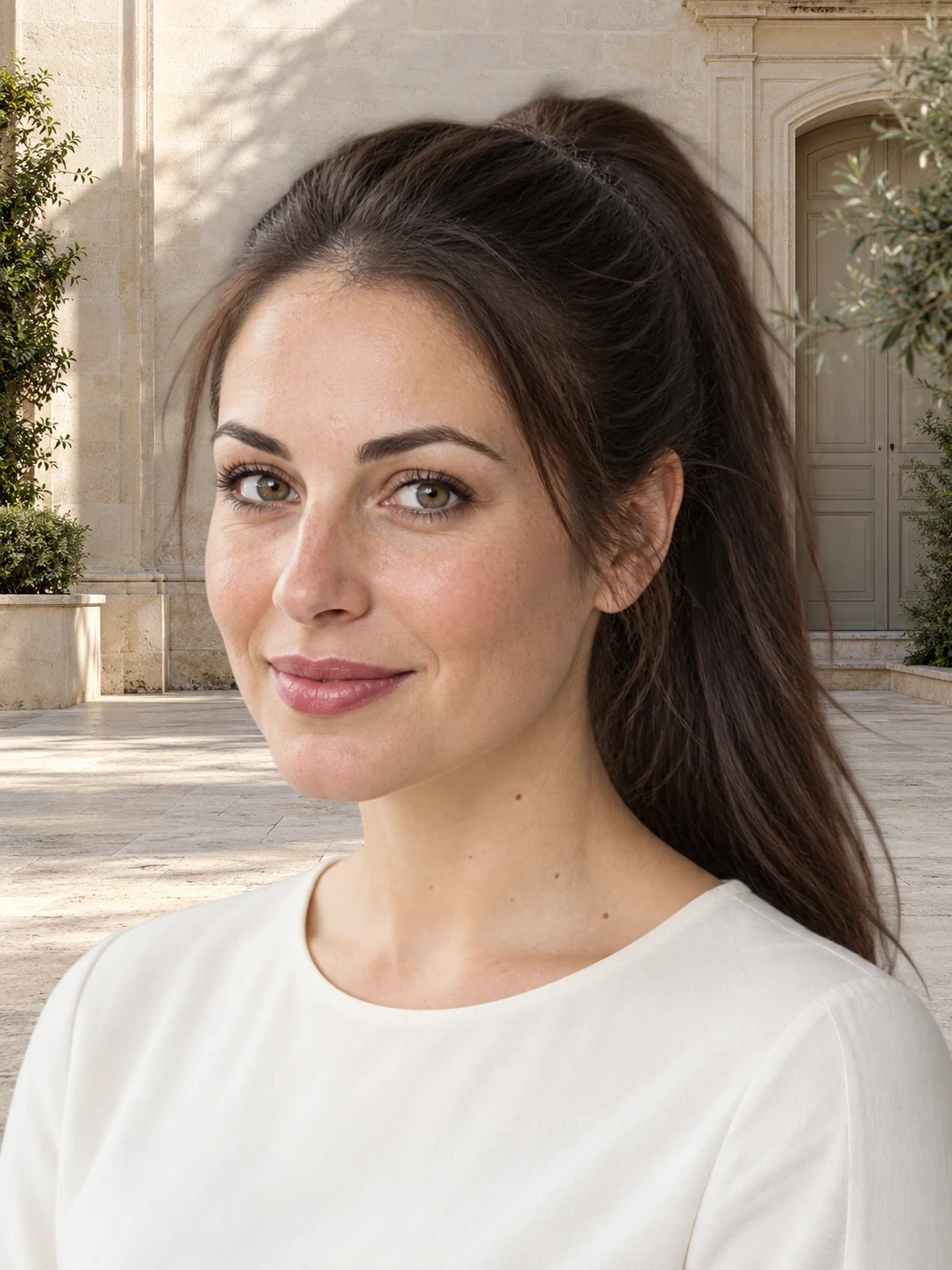
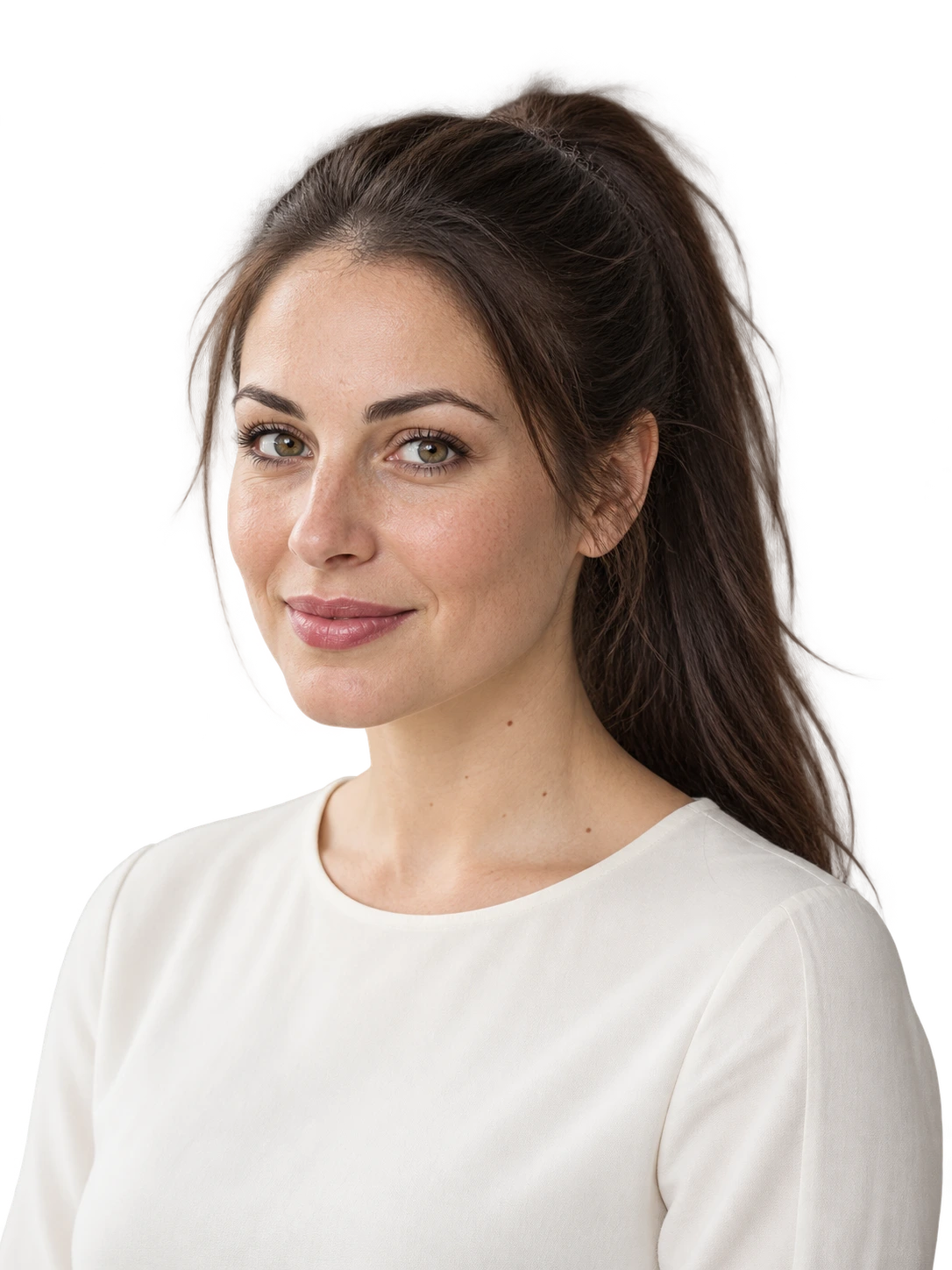
BackgroundRemove isolates the subject of a photo and removes the background around hair, fur, and soft shadows. Backgrounds are removed automatically, so there are no layers or selection tools to learn.
The work does not stop at the cutout. Keep the transparent PNG, fill the space with a solid color, drop in a photo backdrop, or describe a new scene and let the AI background generator create it.
Give product shots a clean white background, make a transparent logo, or refresh a headshot for your profile. Pick a tool or use case to get started.
Manual masking can take minutes per photo. Here the background remover handles each image in seconds, and Bulk Editing lets signed-in users process a full product catalog, apply one shared look, and download every result in a single ZIP.
Open Bulk EditingCampaign assets
Cut a subject out of a busy shot, check the edges, and drop it straight into a campaign layout.
Product listings
Give every product the same white background so listings, ads, and catalog pages look consistent.
Daily visuals
Turn everyday photos into cutouts for thumbnails, posts, and stories without opening a design app.
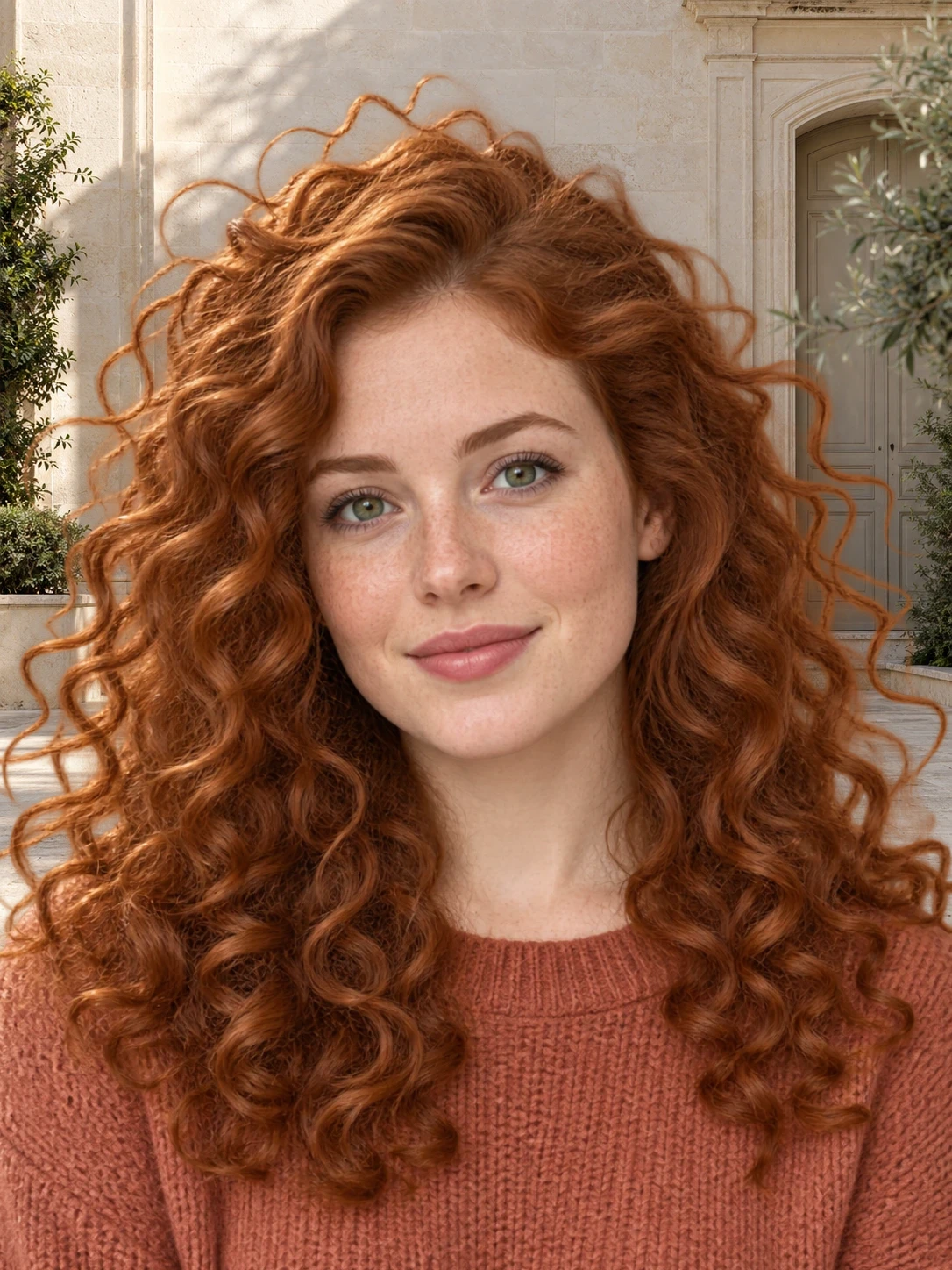
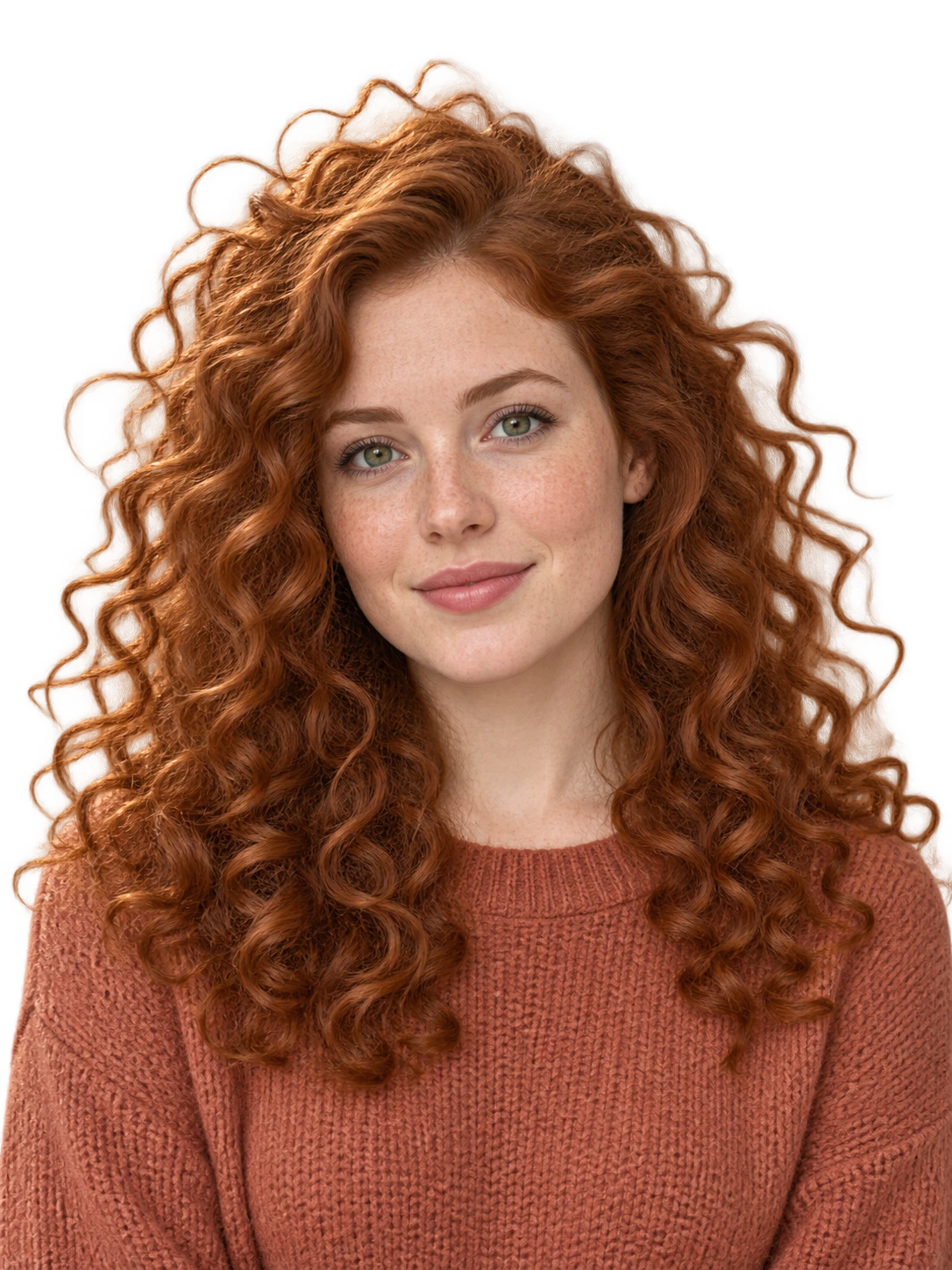
Yes. Remove the background from 1 image free as a guest, then get a one-time bonus of 1 credit when you first sign in. After using your free image and bonus credit, buy credits or subscribe to process more images. You can edit and download your free result without a card.
Upload PNG, JPG, JPEG, WebP, or AVIF files up to 19.0 MB. Resize or compress larger photos first.
Yes. Compare the original with the cutout, zoom in on the edges, and refine them with the brush before you download.
The home page handles one image at a time. To remove backgrounds from several photos together, use Bulk Editing, which needs an account and image credits.
Your result opens right on this page. As a guest it stays in this browser tab; sign in to keep results under My results on any device.
Photos with one clear subject, good light, and contrast against the background give the cleanest cutout edges.
Get a transparent background for any picture in a few seconds. 100% automatic, right in your browser.
or drop a file, paste an image
PNG / JPG / WEBP / AVIF · Max 19 MB